If somebody invites you
For a sharer, a vet or a farrier: seeing the horse, and adding to its record.
The pictures are the iPhone app with the example yard. The website works the same way.
1 The invitation
The owner's invitation comes by email. Press the link in it.
Sign in, or press Create an account, with the same email address the invitation went to. It is free.
Press Accept, or Say no thanks. A farrier is asked to say they are 18 or over.
2 Shared with you
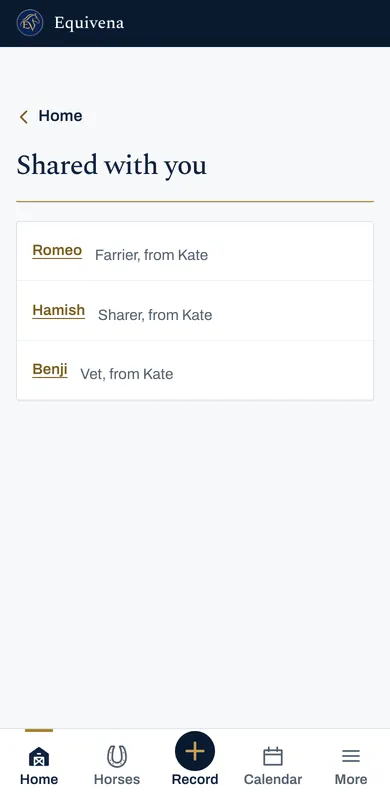
The horses shared with you are under Shared with you, linked from Home on the website, each saying your role and whose horse it is.
3 The horse
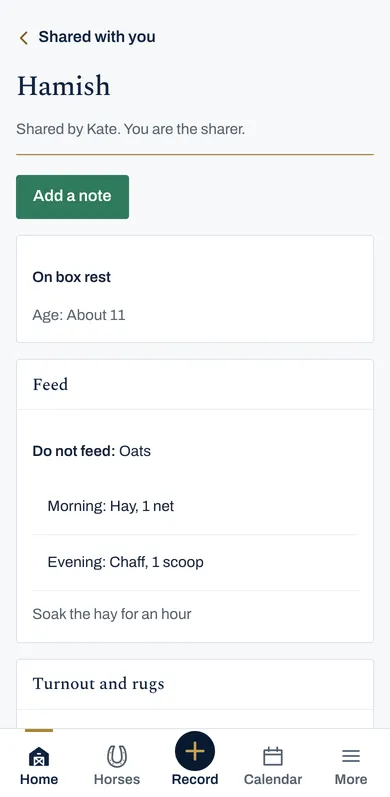
You see what the owner chose for your role: for a sharer, the feed, turnout, rugs and health visits; for a farrier, the farrier visits.
4 Add a visit or a note
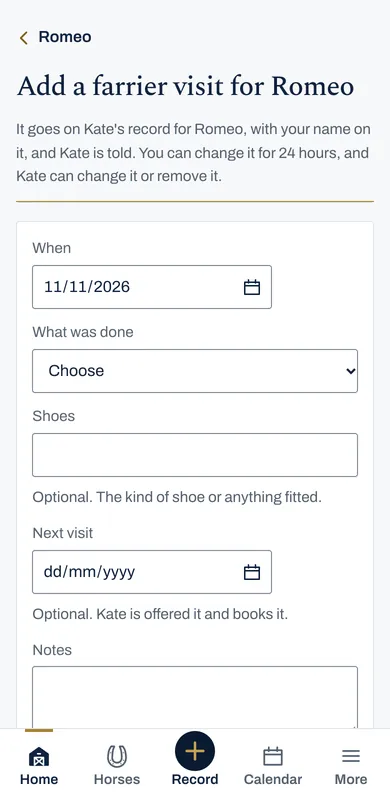
Press Add a farrier visit, Add a vet visit or Add a note. It goes on the owner's record with your name on it, and the owner is told.
A farrier can put in the next visit, which the owner is offered and books.
For 24 hours, Change it under what you added lets you put a mistake right.
5 A vet's private visit
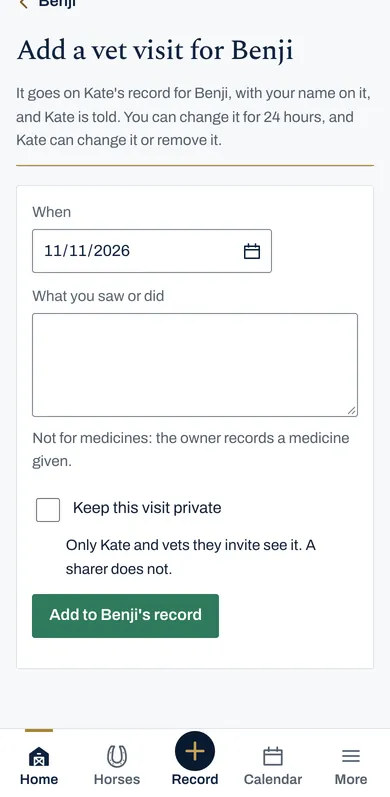
A vet can tick Keep this visit private, so only the owner and vets see it, and not the sharer.
6 A sharer at the yard
On the horse's page a sharer can press Turn Hamish out or Bring Hamish in, and Put on beside a rug or Take off. Each says who did it.