The basics: what is due, health and costs
Jabs, worming, the farrier and the vet written down, with the next date worked out, and what it all costs.
The pictures are the iPhone app with the example yard. The website works the same way.
1 Write down a visit
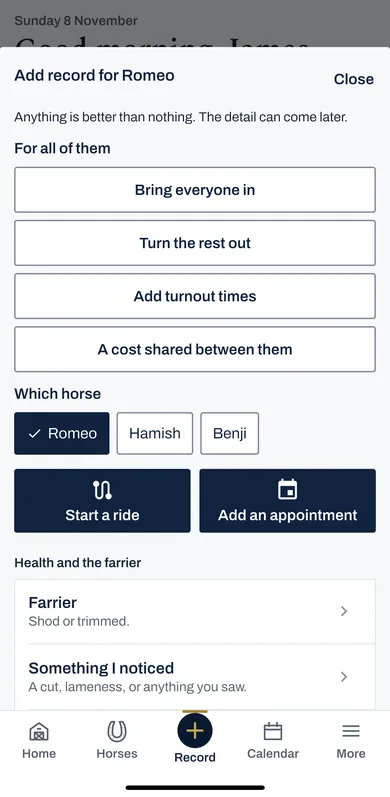
Press Record, choose the horse, then Farrier, a jab, worming, a vet visit, or Something I noticed.
Put in the day and who came. The form works out the next visit, and Book it puts it on the calendar.
2 What is due next
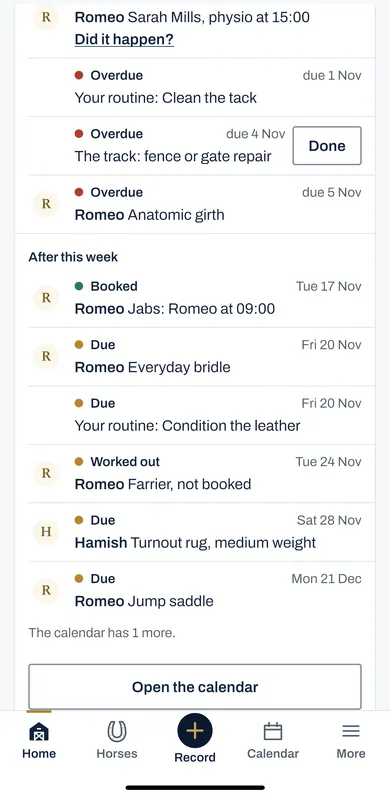
Home lists what is due, overdue first, in words as well as colour.
Press Done when something has been done. A booked appointment asks Did it happen? afterwards.
3 Reminders
In More, then Settings, turn on Reminders, and the phone tells you before things fall due.
4 A health issue, followed
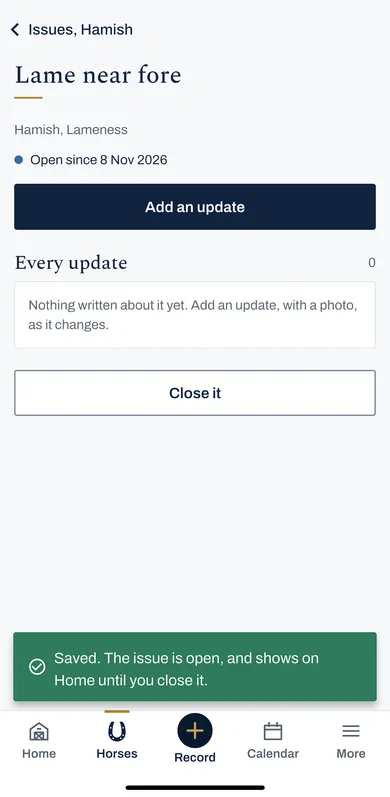
A lameness, a cut or anything that goes on for days: write it down once and add an update each time it changes, with a photo or the temperature.
It stays on Home until you press Close it.
Write down a lameness, add each change with the temperature, and keep it on Home until it is over.
5 Costs
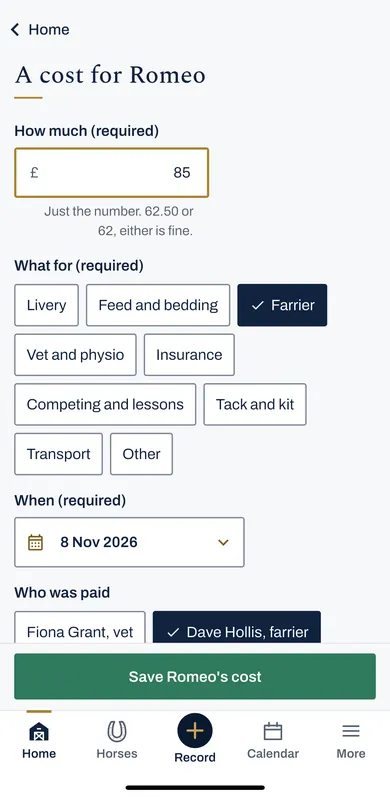
Press A cost on Home. Put in how much, what for, when, and who was paid. A farrier or vet visit can carry its cost too.
Costs, in More, adds them up by month, by year and by what for.
How much, what for and who was paid, the year added up, and shared feed split by what each eats.